Skip to product showcase
But wait. There’s more.

For your people.
For your AI.

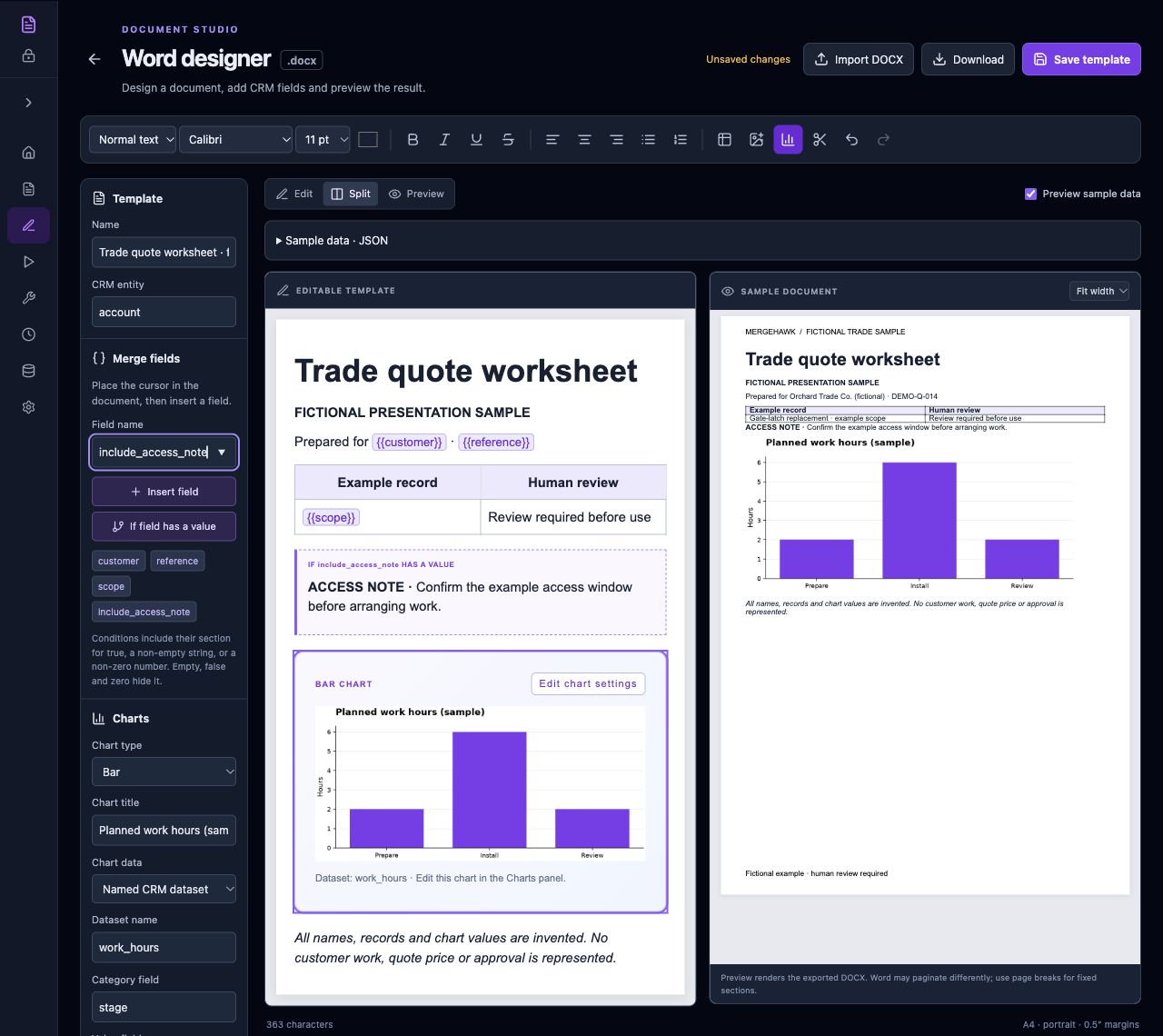
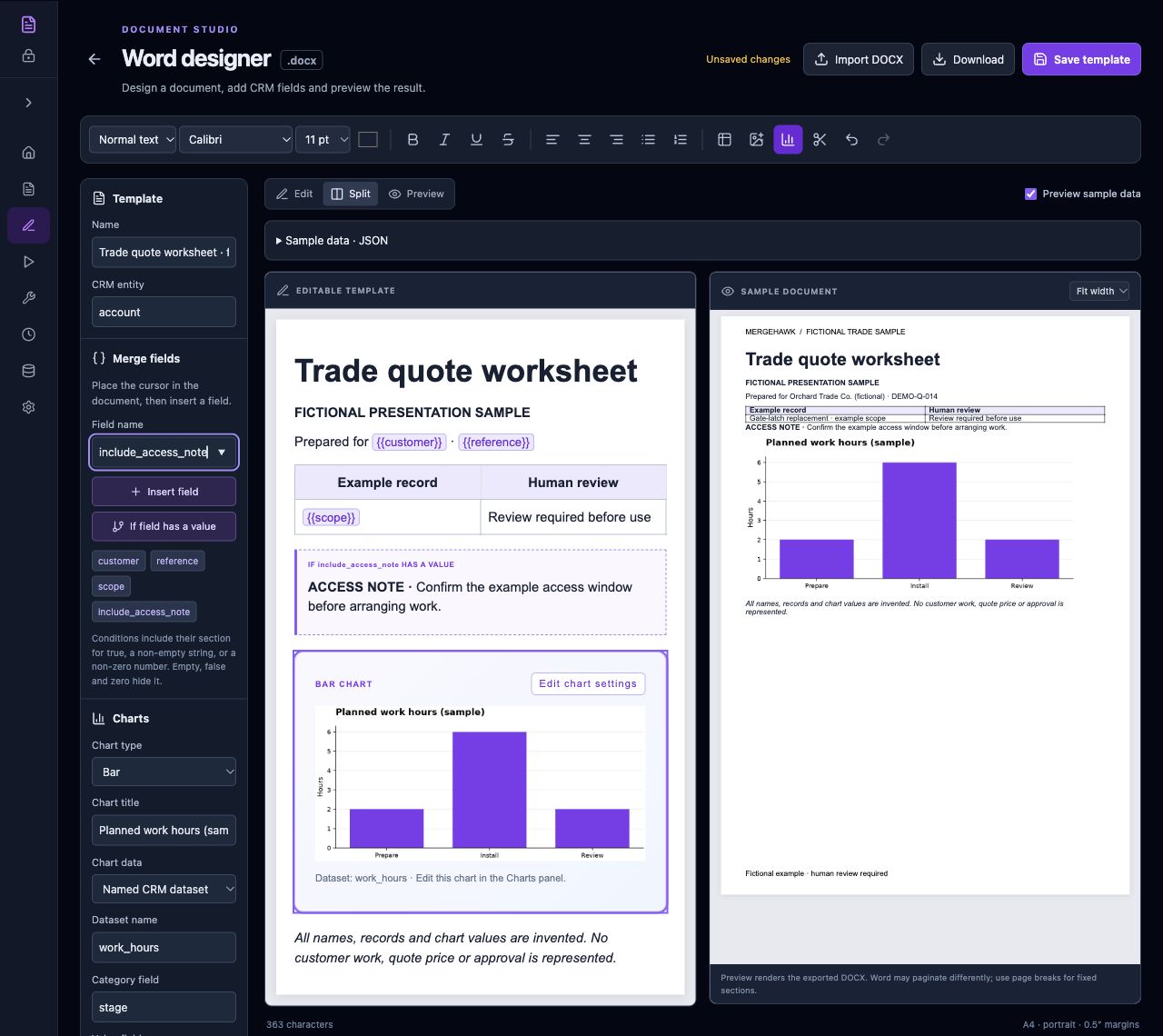
A clear interface is one way to get the work done. Bring your own compatible AI assistant to selected workflows where the required API or MCP connection is available. We confirm the client, account, permissions and permitted actions before setup.

Your people

A visual interface

Your AI setup

An MCP-compatible client

Supported
Sparrofox capabilities

Interface + supported connections

The work
you’ve agreed

In the selected environment

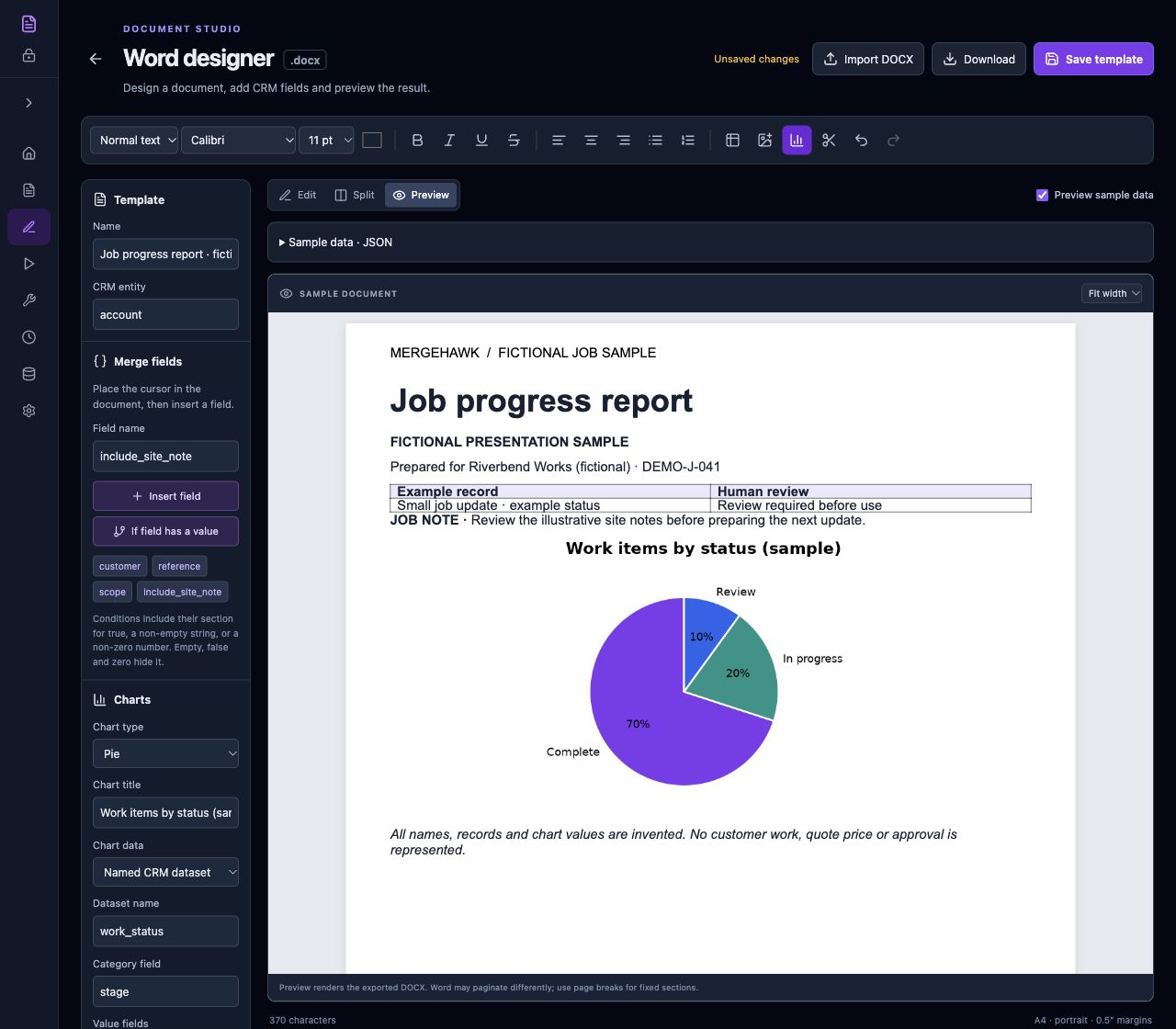
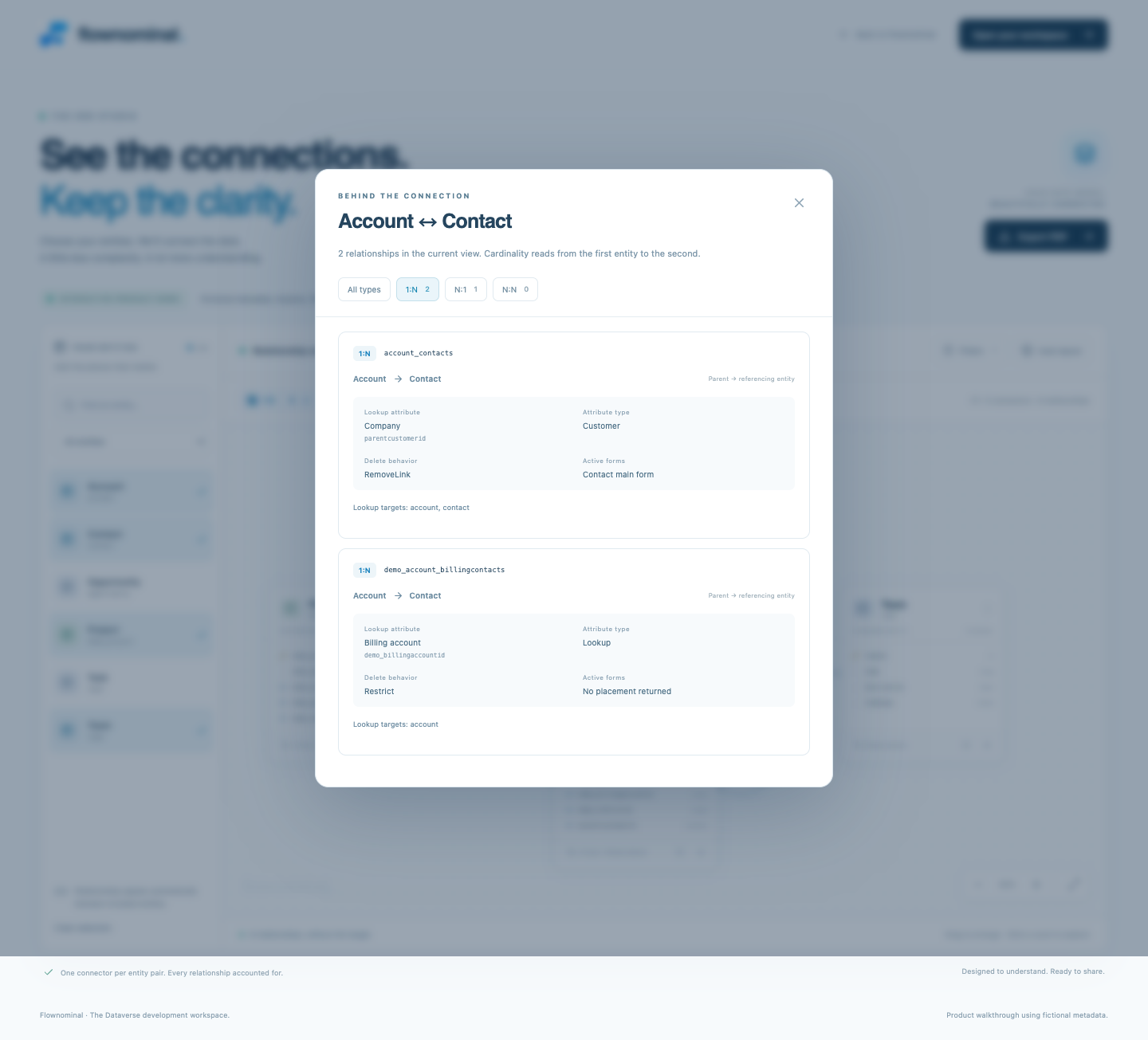
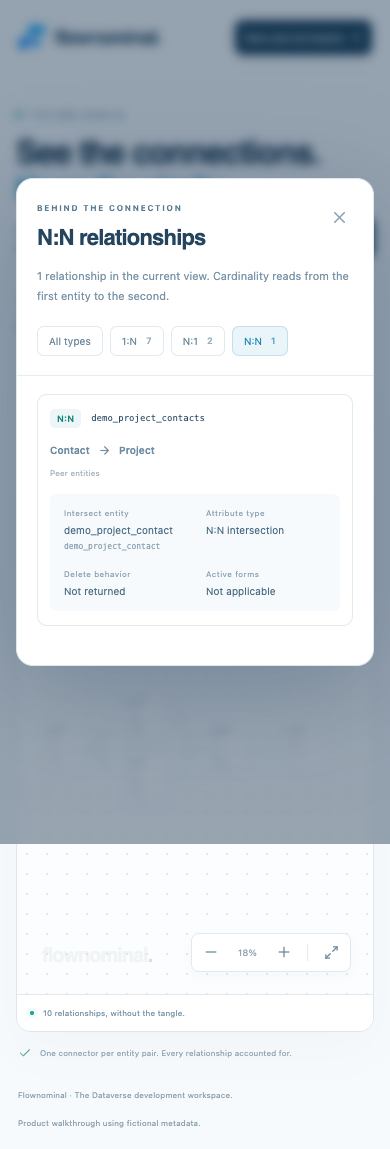
MCP is a standard connection between AI applications and software tools. Ask us about supported MergeHawk and Flownominal connections. Other offerings have different integration and readiness levels; compatibility, data handling and approval requirements are confirmed for your setup.

Bring your AI

Discuss your preferred compatible AI client and model setup, alongside the tools your team already uses.

Agree what it can do

Start with supported actions and a clear access scope. Product-specific controls and deployment evidence come first.

Keep people in control

Agree which actions need human review, how that control is enforced and how the result is checked.

Discuss your AI setup
92 business scenarios. Existing accelerator code.

Find an accelerator for what you want to achieve.

Search the catalogue for the outcome your business needs. Choose a matching accelerator, then start with existing Sparrofox code and a foundation with tested, documented guardrails.

Build on work that is already done.

We implement the existing accelerator, then configure, integrate or extend it for the agreed scenario. You avoid starting from scratch and can focus your budget and delivery effort on the parts you actually need.

01

Find the outcome

Search 92 business scenarios by the work you need to do.

02

Select the accelerator

Choose the matching scenario and review the existing foundation it uses.

03

Implement existing code

We install and connect the reusable code in your agreed environment.

04

Build on the foundation

Add the configuration, integrations or extensions the scenario needs.

05

Check your result

Test the setup and accept the agreed result with your team.

Search the 92 business scenarios

Tests and documentation cover the reusable foundation. Your selected configuration, integrations and extensions still need their own scope, checks and acceptance. Product licences, third-party costs and optional support are agreed separately. Implementation is quoted after scoping.

Sparrofox Security · Research direction

Security awareness for everyday work.

We’re researching staff training on everyday security situations, including suspicious emails. The proposed platform would give staff a place to sign in, work through learning material and answer questions.

Research only. A staff training platform and course material are not available as a released offering.

Read the research direction

Already have a tool? Start there.

Bring one piece of everyday work.

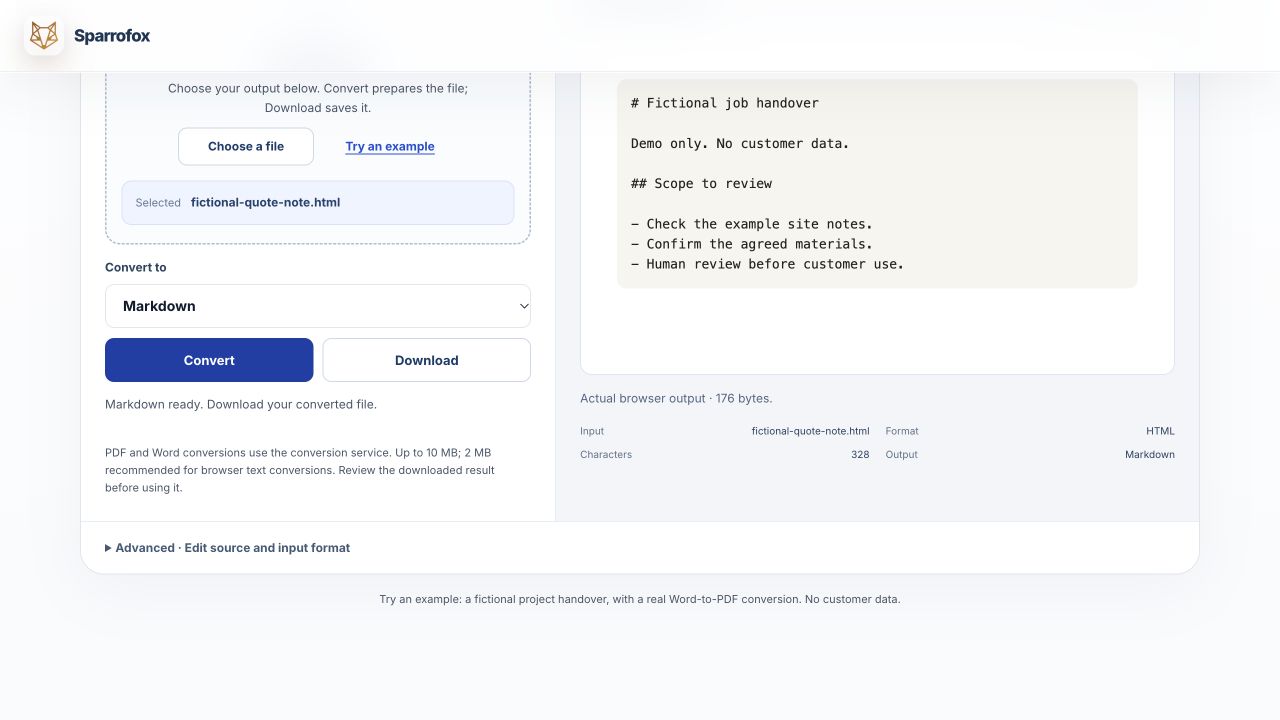
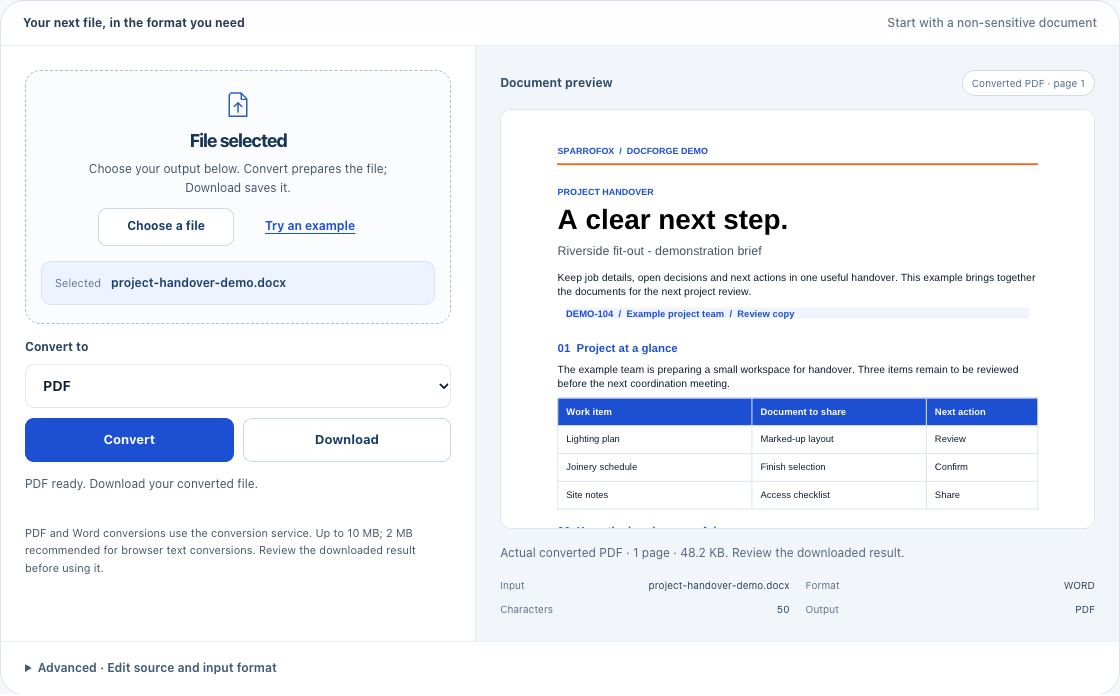
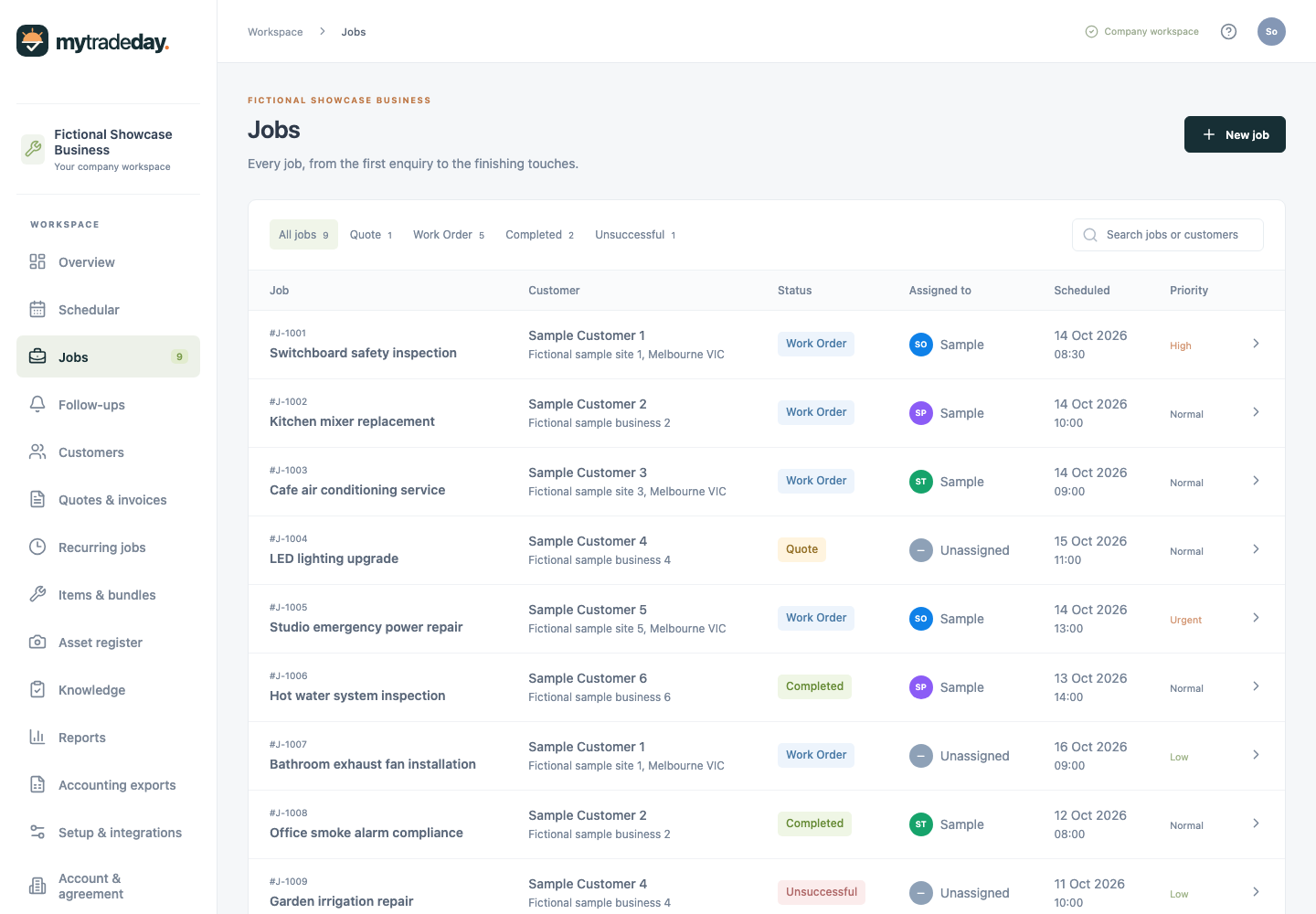
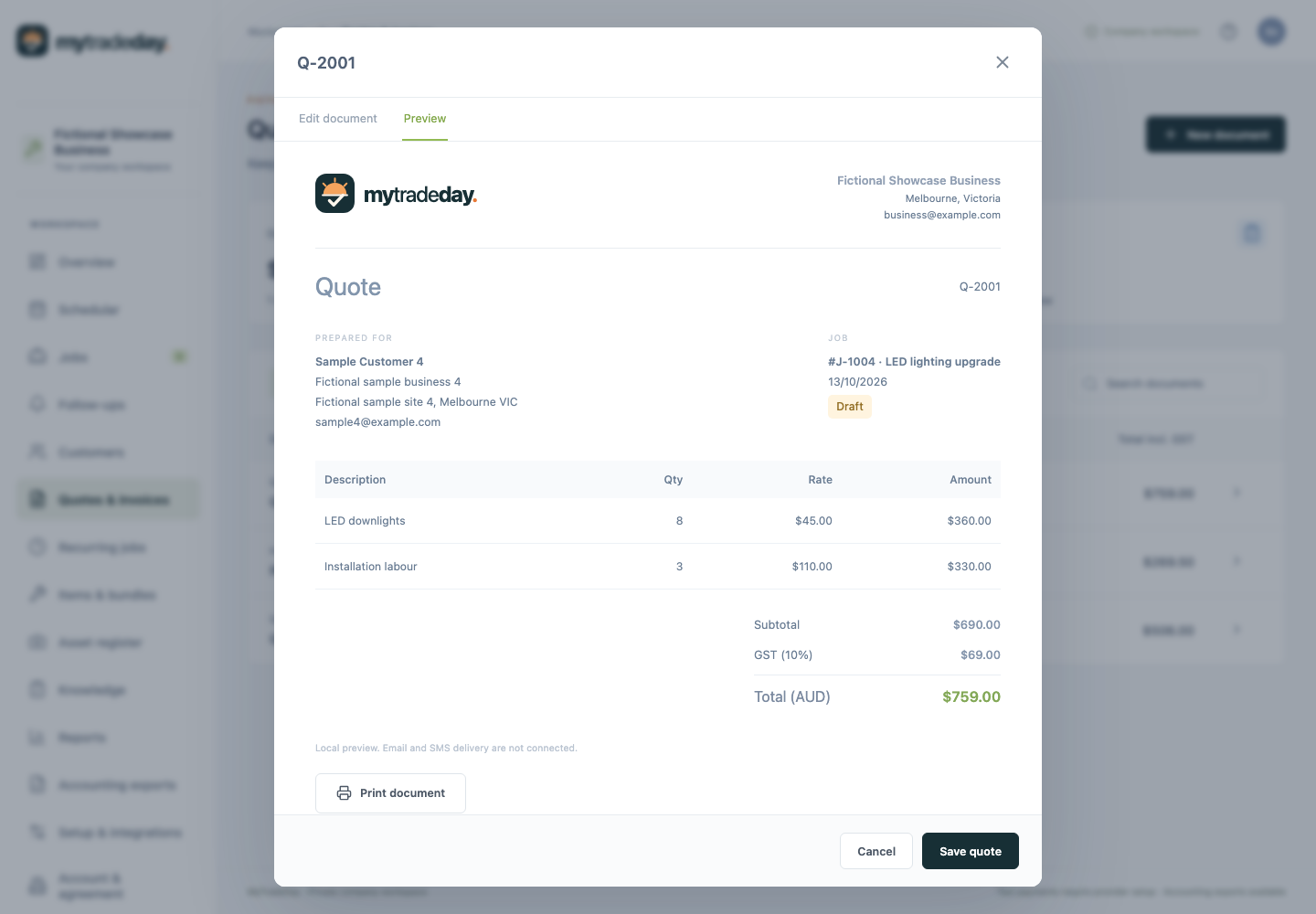
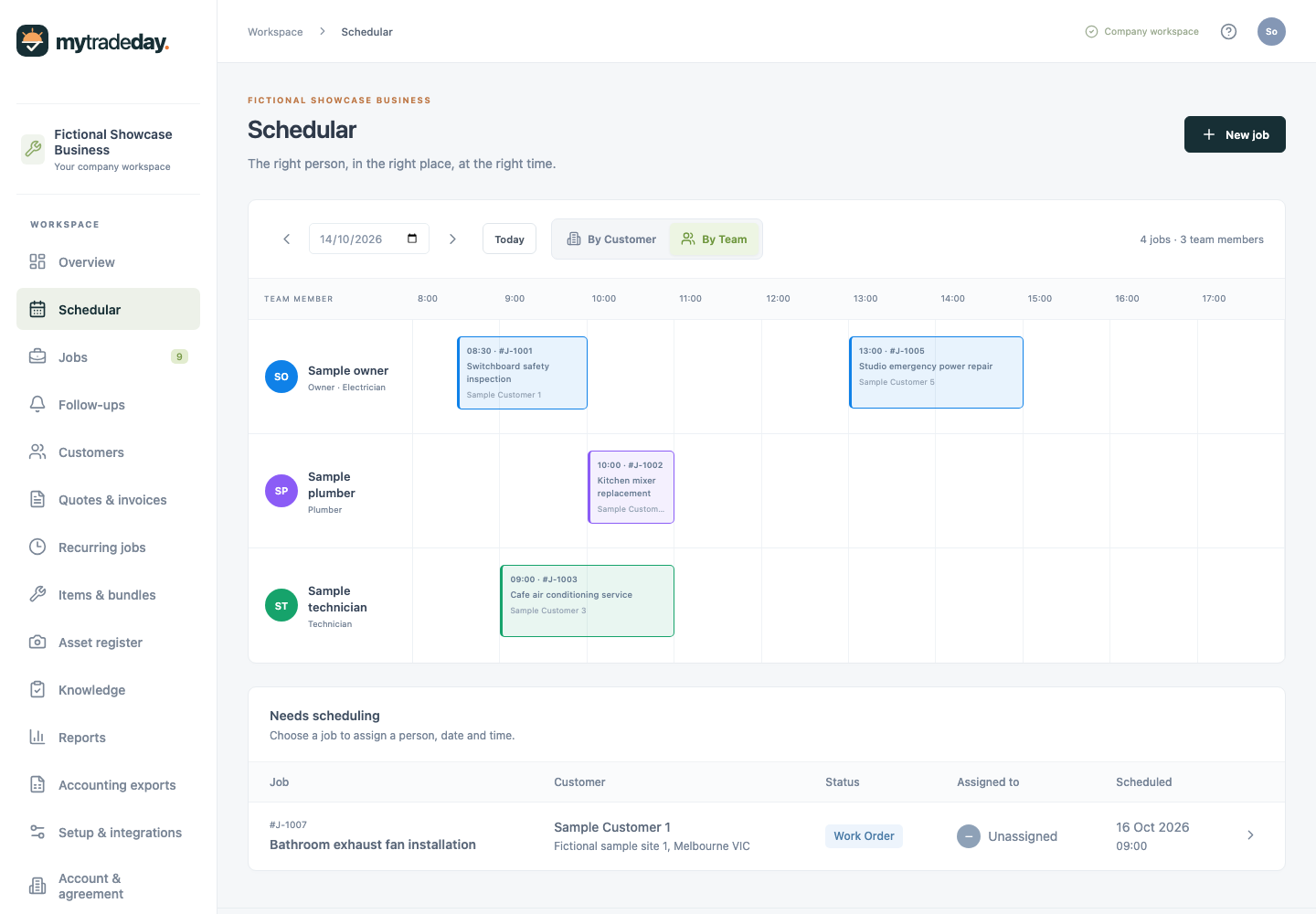
A quote, a job handover or a report. We’ll talk through the result you need and how it fits the tools you already use.

01 · Explore

See the product first.

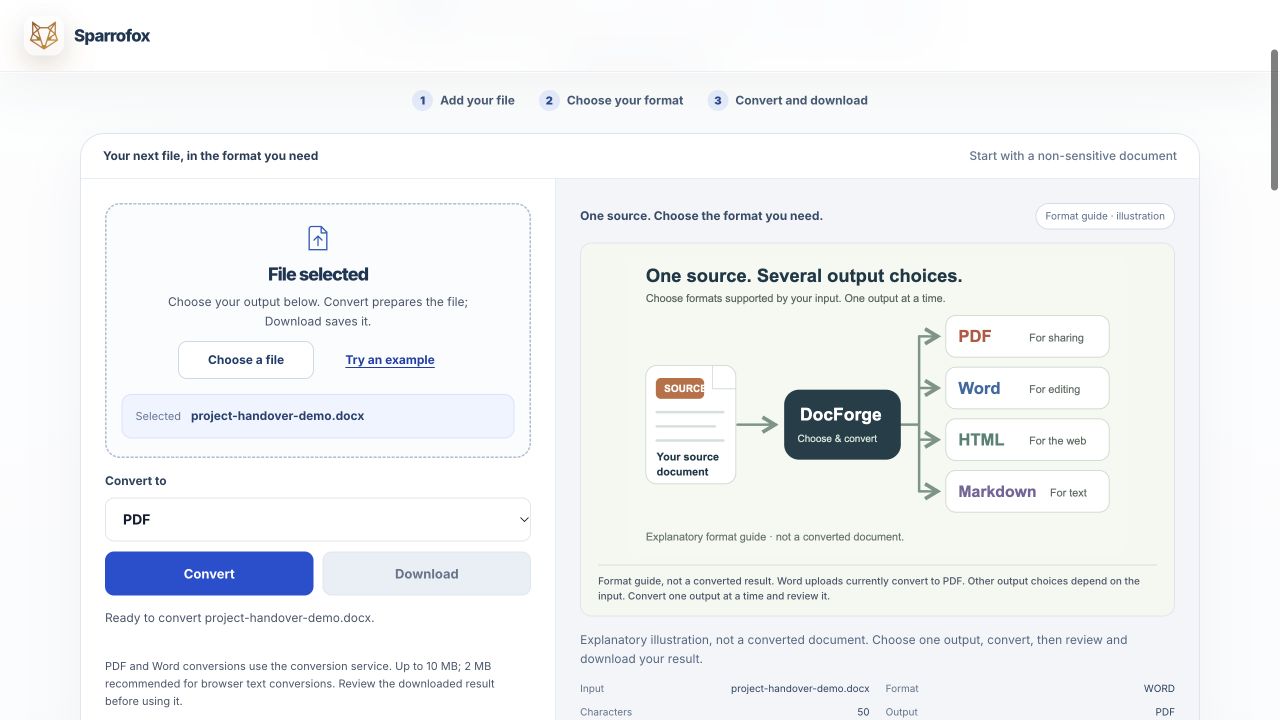
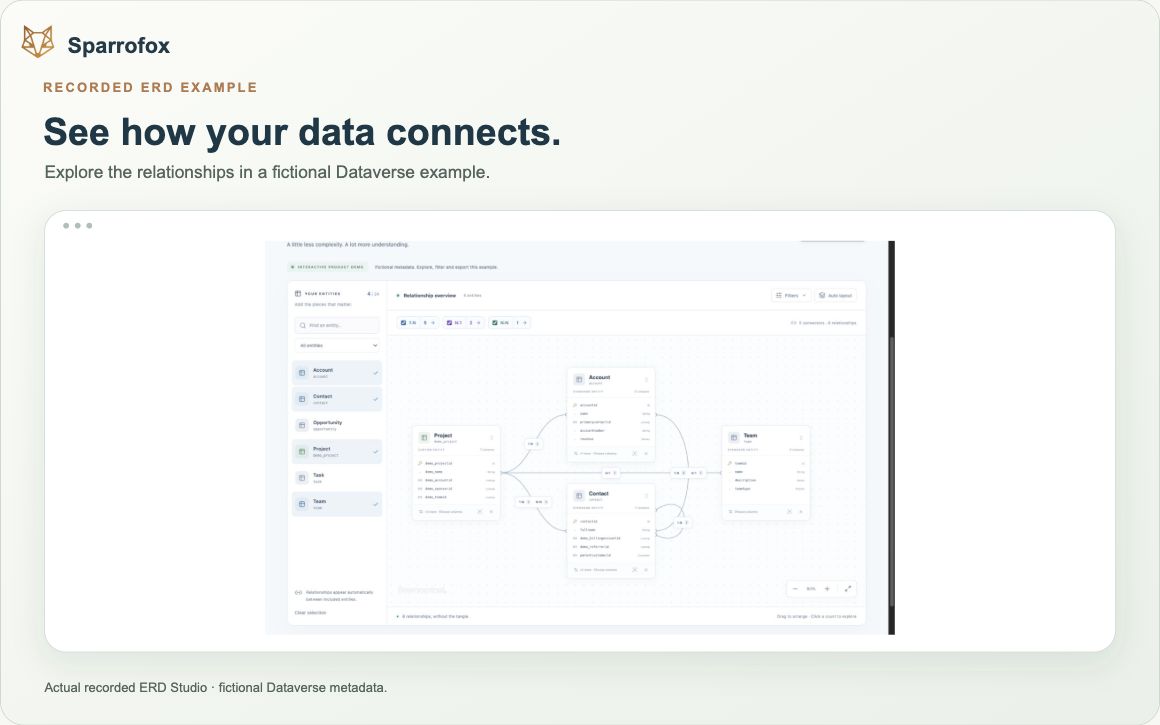
Use a demo, preview or sample to understand the work it helps you explore.

02 · Check the fit

Work with what you have.

Start with your current tools and one outcome. A new platform is a separate decision.

03 · Agree the scope

Make the next step clear.

Discovery, implementation, licences and optional support are agreed separately.

A few useful answers.

Which process would you like to improve?

Tell us what happens today, what you want to change and any catalogue offer that caught your eye. Start with fictional or non-sensitive examples. We will discuss fit and the next scoped step.

Step 1 of 3

Tell us about your work

Phone or email required. Everything else is optional.

Step 2 of 3

Describe one workflow

Plain English is perfect — or skip this for now
Step 3 of 3

Almost there.

Only phone or email is required. No payment, no obligation. We store your enquiry in our CRM to review it and reply. Email acknowledgements come from [email protected]. Please leave out passwords and sensitive customer information.